
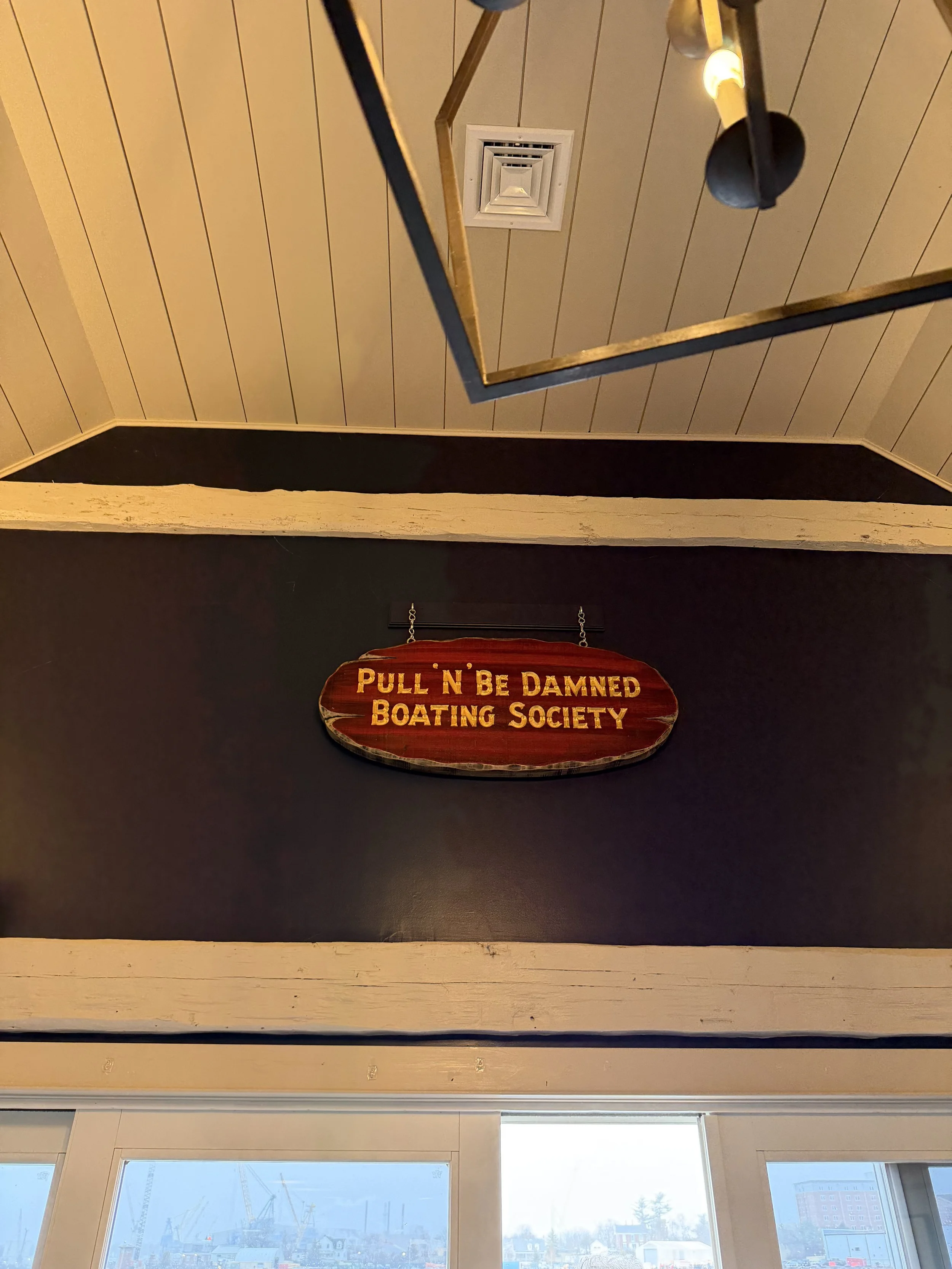
Out with the old paper calendar …
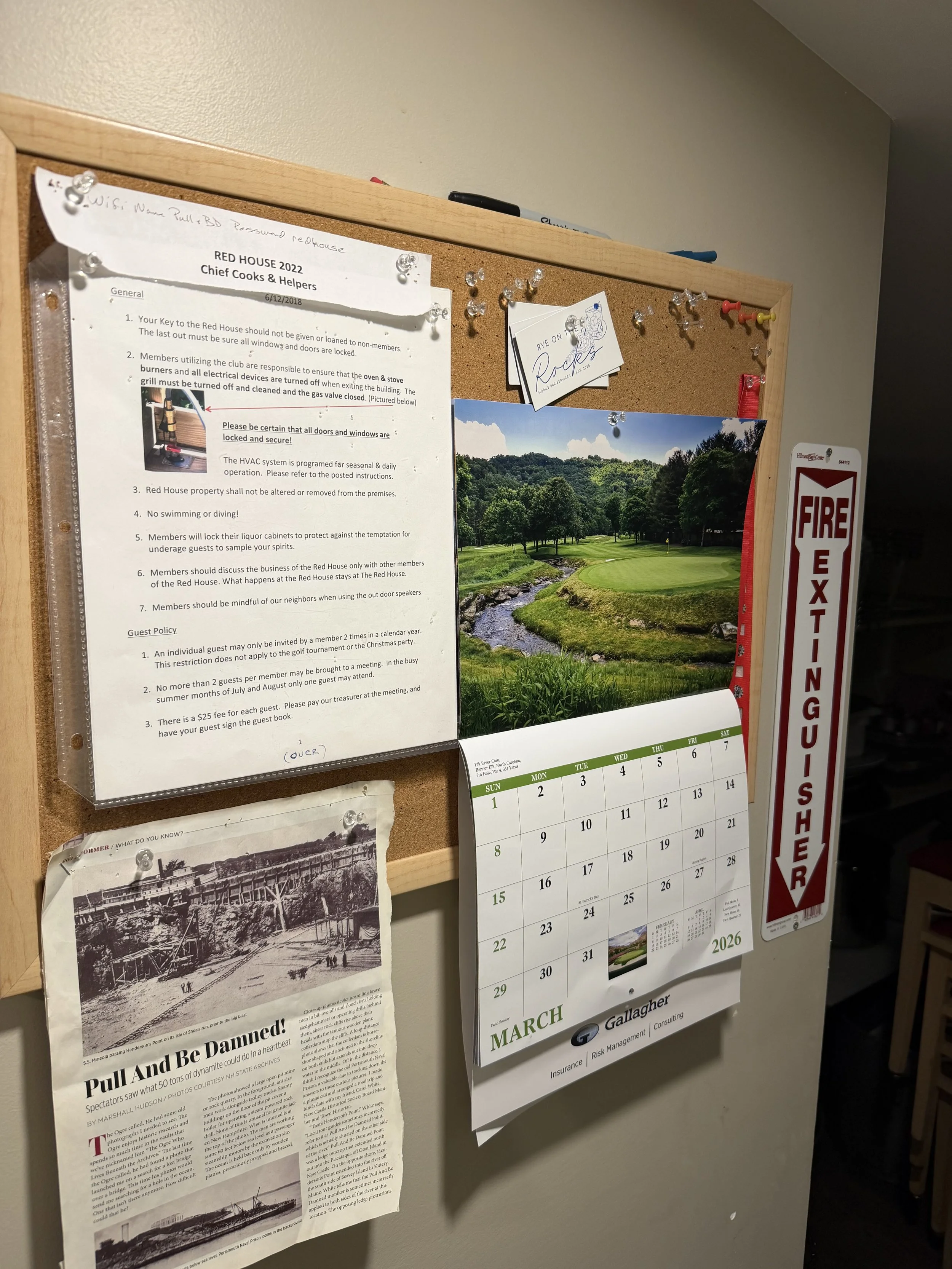
… in with the new online calendar!
What Is On This Month’s Agenda:
Online Calendar:
To edit the Online Calendar click the button below:
Instructions For The Online Google Calendar:
Go to the Online Google Calendar link above
Find the day you want
Click once on that day OR Click on the + Create button in the top left corner
Type your name for the event
Fill out the information regarding your event
Confirm Date
Start and End Time
Click More Options To A Description If Needed
Press Save
There, Your New Event Is Now Shown On The Calendar!
Email: Pullandbedamnednh@gmail.com